
Shadowing app picks for English: free video practice and prices
Published Updated
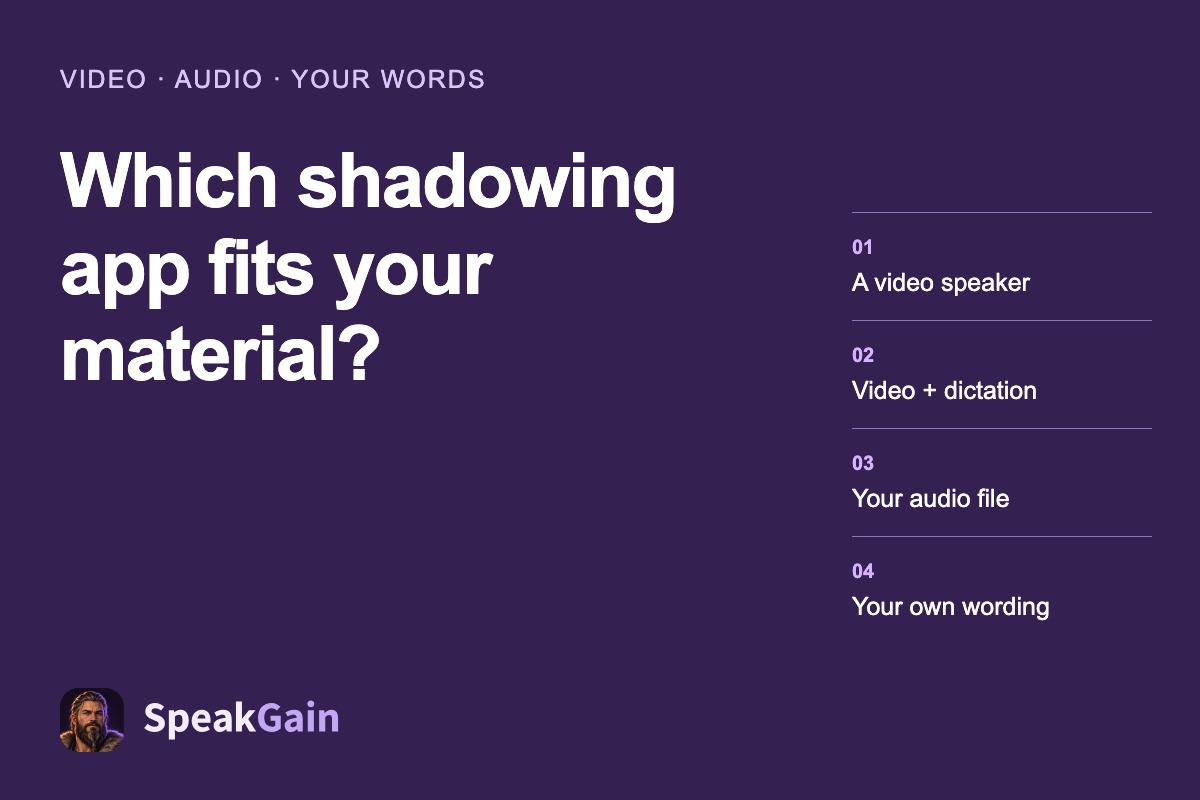
Choose ShadowingEnglish for free, sentence-by-sentence video shadowing; choose Parroto when you also want dictation and basic pronunciation scoring without a subscription. For an audio file you own, compare shadowing.app’s upload credits; for English you want to keep as personal practice cards, consider SpeakGain. The useful distinction is what happens to your material, rather than how many lessons an app advertises.
What each tool does with a sentence
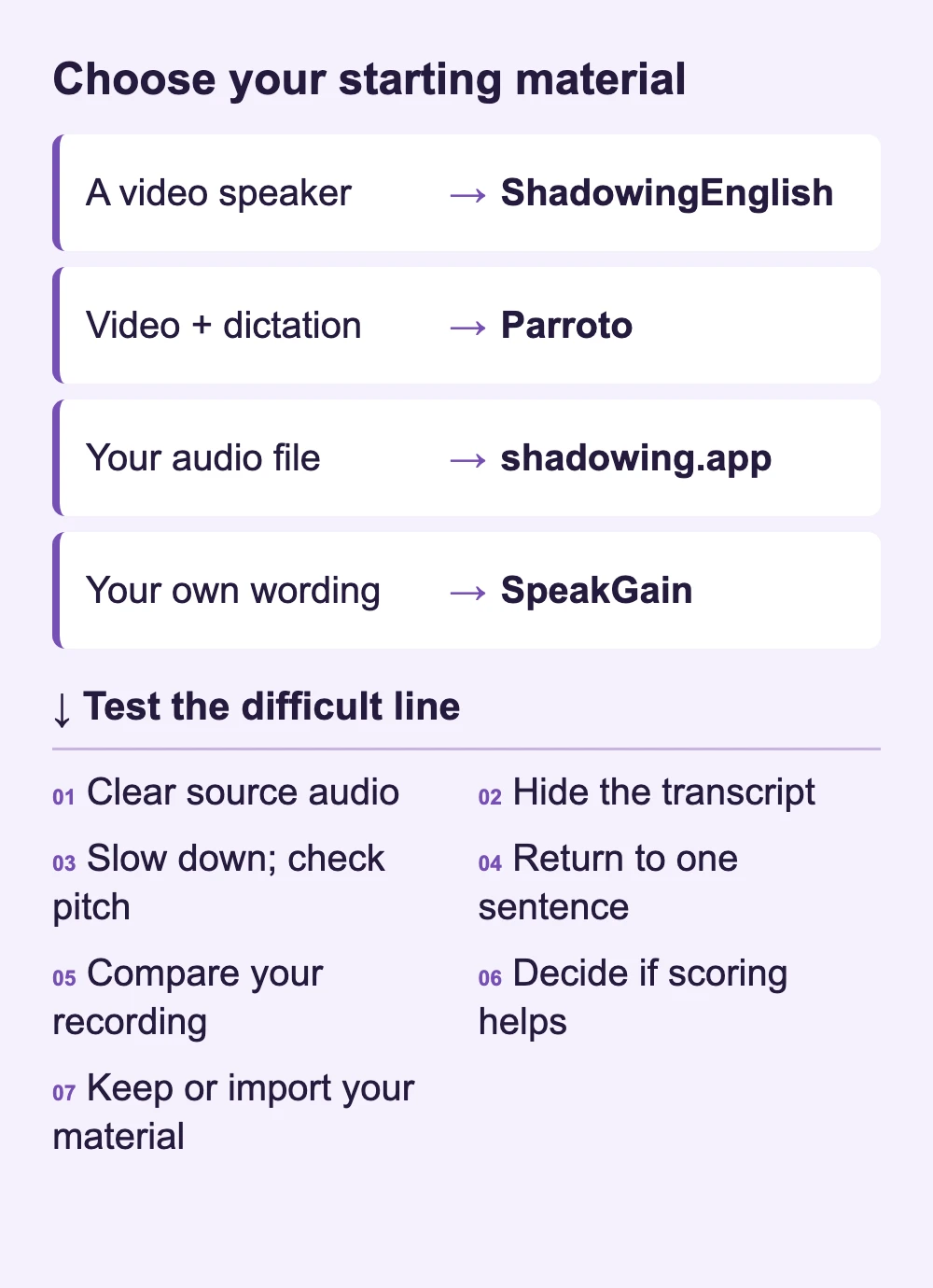
A good model recording, a readable transcript and an easy way back to one line come before a score. During a trial, check whether you can hide the transcript and slow the voice without changing its pitch.
| Tool and source audio | Text and repetition | Your voice | Your material |
|---|---|---|---|
| ShadowingEnglish — video speakers | Timed transcript, line loop, speed control and auto-pause | Recording, model/voice comparison and word scores | YouTube link |
| Parroto — lesson videos | Dictation and sentence shadowing | Recording and basic pronunciation scores | Library; YouTube lesson creation marked PRO |
| shadowing.app — public or imported audio | Text import and smart pauses | Replay alongside the model; pronunciation feedback | Audio upload or text |
| SpeakGain — generated English voice | Revealable card text, playback speed and scheduled review | Recording and optional word-level assessment | Enter a phrase; it becomes a card |
Free practice and the paid boundary
We checked these offers on 29 October 2026; the mobile figures in this table are US App Store prices, while shadowing.app bills its web plan in US dollars.
| Tool | What you can try without paying | Paid offer relevant here |
|---|---|---|
| ShadowingEnglish | Website shadowing is free; some AI functions have daily limits | iOS Premium: $4.99/month or $19.99/year |
| Parroto | 1,000+ lessons, dictation and shadowing with basic scoring | Our pick is its free plan; Premium adds Pro vocabulary decks and removes ads |
| shadowing.app | 10 one-time credits; audio upload costs 3/minute, feedback 2/use, text import 1/100 words | Standard displays $4.99/month for 500 credits |
| SpeakGain | Up to 50 combined card-creation, translation and scoring actions | Pro $9.99/month or $79.99/year |
ShadowingEnglish: the first stop for a video
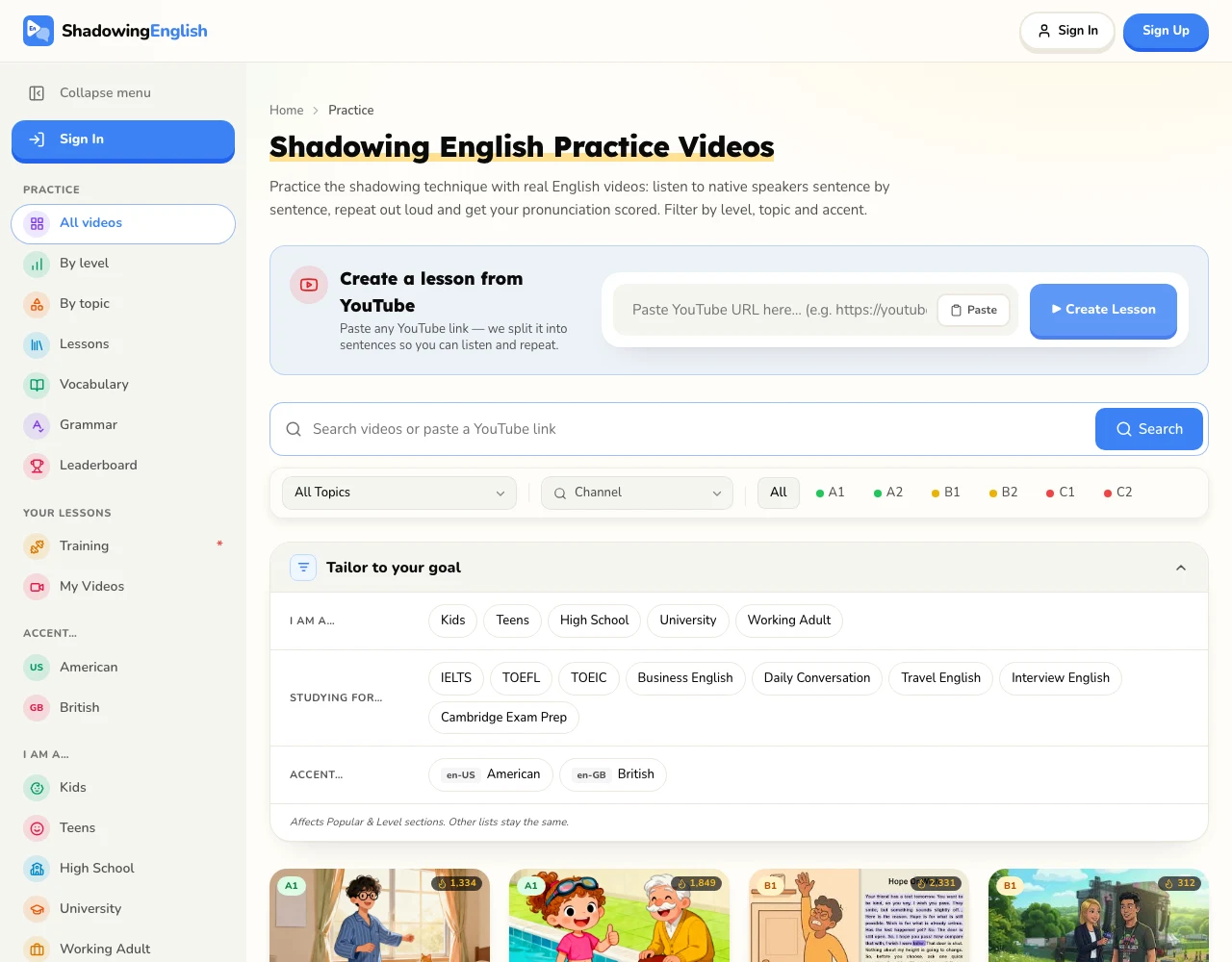
Use this when the speaker and context matter: a conversation on screen gives you someone to follow. Its official feature page describes line looping, auto-pause, recording and listening to the speaker and yourself in comparison. Website access is the straightforward free answer; mobile Premium is a separate offer. The service has web, iOS and Android versions.
A YouTube link is a better starting point here than copying every subtitle into a card. For original audio stored on your phone, the audio-upload entry below fits the material better. If you are still deciphering the words, Parroto’s dictation mode is worth comparing before paying for more speaking functions.
Parroto: connect the words you hear with the line you say
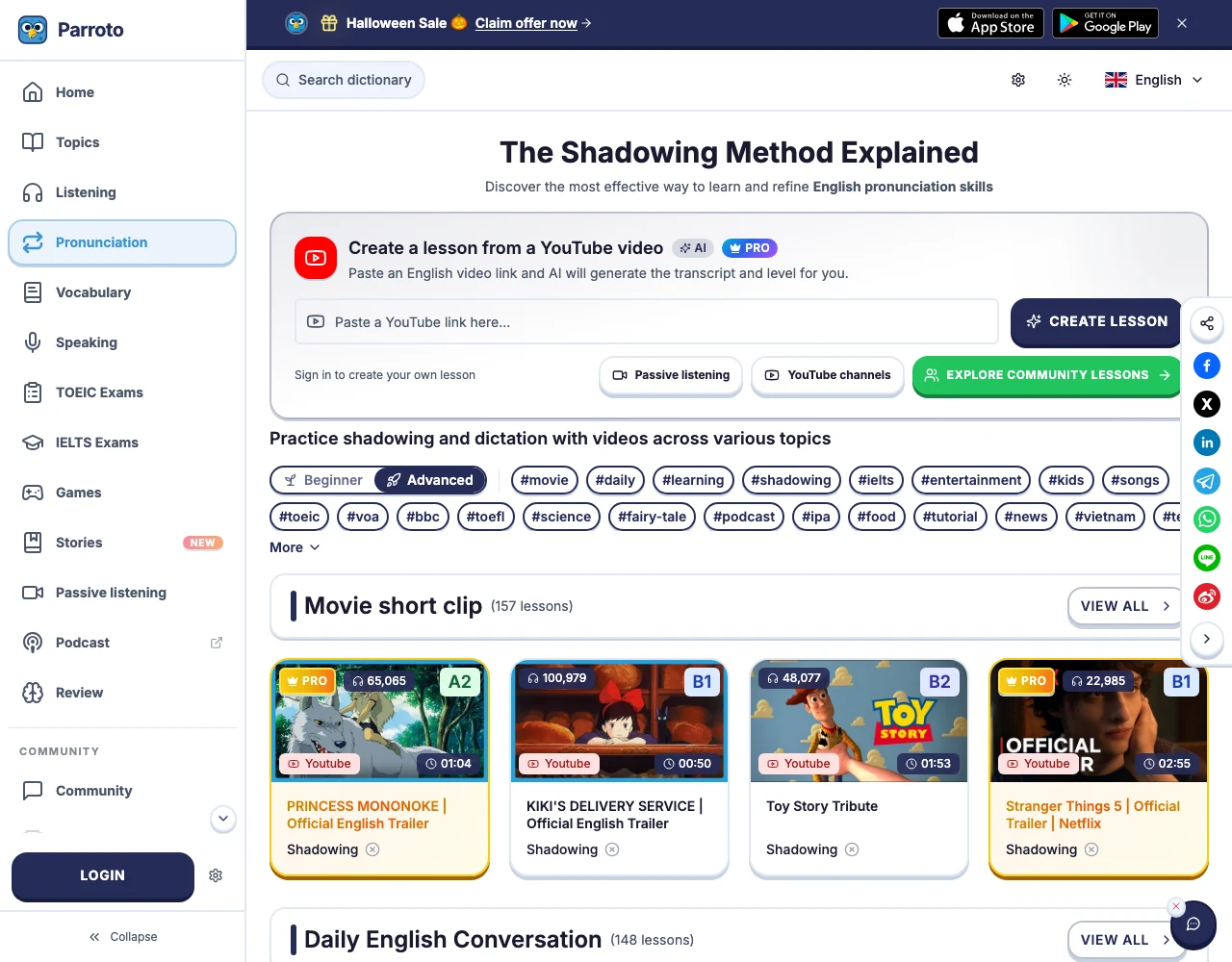
Parroto is our free pick when listening errors interrupt your imitation. Its pricing page puts dictation and shadowing with basic scoring in the free plan. The shadowing catalogue lets you choose video lessons rather than invent your next practice sentence.
Choose it for the combination of written listening work and speaking, rather than for importing an arbitrary recording. Premium’s advertised advantages concern Pro vocabulary decks, support and advertising; those are different reasons to pay from needing basic shadowing.
The public catalogue marks some lessons and YouTube lesson creation PRO, and requires sign-in to create a lesson. For free practice, choose a lesson without a PRO badge.
shadowing.app: calculate what your audio will cost
This browser tool is the relevant option when you have permission to use a recording and want to bring it with you. Its public plan supports audio uploads and text imports, smart pauses, replay and pronunciation feedback. Its 10 free credits are a starting balance, not a renewed daily allowance.
A one-minute upload uses three credits. One feedback request uses another two: that is five of the ten starting credits before any sentence analysis. The arithmetic helps you decide whether a short upload trial is enough or a recurring credit plan is warranted. For an existing YouTube video, compare ShadowingEnglish’s free web route first.
SpeakGain: keep the wording, rather than the original speaker
We develop SpeakGain, the text-first option in this list. Choose it when the wording itself is what you need again: generated English audio, a phrase card and later review travel together. Its store listing offers 50 combined actions before a paid plan. It is available on iPhone and Android.
The tradeoff matters for shadowing: generated speech gives you a new model for the text, rather than preserving a video’s actor, timing or background sound. If those are the point of the exercise, keep the video in ShadowingEnglish. Playback speed and recording controls are available in the current app; the optional assessment is a separate action from simply playing the card.
A field recording: choose the input you have
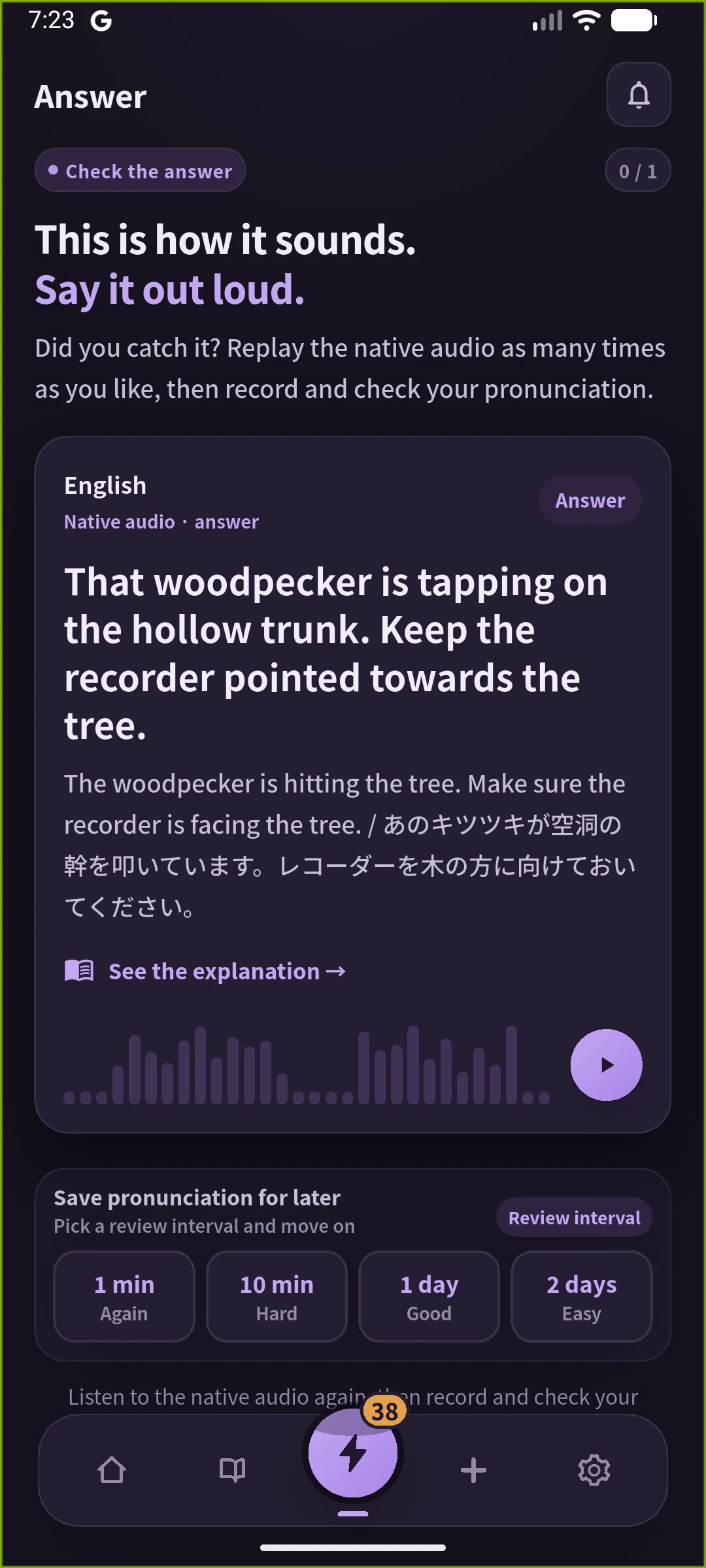
Imagine recording a birdwatching demonstration: “That woodpecker is tapping on the hollow trunk. Keep the recorder pointed towards the tree.” The practice target is the rhythm of “tapping on the hollow trunk”. Choose the route that matches the material you have:
- A video you can share on YouTube: open its link in ShadowingEnglish and loop the target line while watching the demonstrator.
- A prepared lesson instead: choose a nature topic in Parroto for dictation and speaking on its supplied material.
- Your own field recording: upload the audio to shadowing.app to keep the speaker and woodland sounds; count upload duration and feedback separately.
- The written narration: add the two sentences to SpeakGain for a generated voice model and later card practice.
Questions before you subscribe
Which English shadowing app is free? ShadowingEnglish’s website is free for shadowing, and Parroto’s free plan includes basic scoring. shadowing.app’s ten credits and SpeakGain’s fifty combined actions are finite trial allowances.
Do I need an AI score? Start with whether you can isolate a line and hear your recording against its model. Use a score to choose a word to revisit, then compare that word with the model recording.
What should I test with my own material? Open one understandable passage, locate the same line twice, hide its text if possible and slow it down. Check that the voice still sounds natural, then find how to replay your recording against the model. This reveals more about fit than the number of items in a catalogue.
For this shortlist, our choice is ShadowingEnglish for video, Parroto for dictation plus speaking, shadowing.app for owned audio and SpeakGain for text you want to retain. The shadowing practice guide covers the method after you have chosen the tool.